
X landscape post image resizer
Resize image for X post
Create one fixed 1200 x 675 landscape image for the X timeline. Compare Fit and Fill, check important edge details, and export a private local PNG.
Upload image
Drop a landscape photo, launch graphic, announcement, or link-card-style image here.
Your images are processed locally in the browser.
Timeline crop anatomy
Design for the X timeline
Keep faces, logos, and headlines away from the outer edges so the landscape post stays clear wherever the timeline presents it.

Your account @yourhandle · 1h
A landscape update prepared to read clearly in the X timeline.
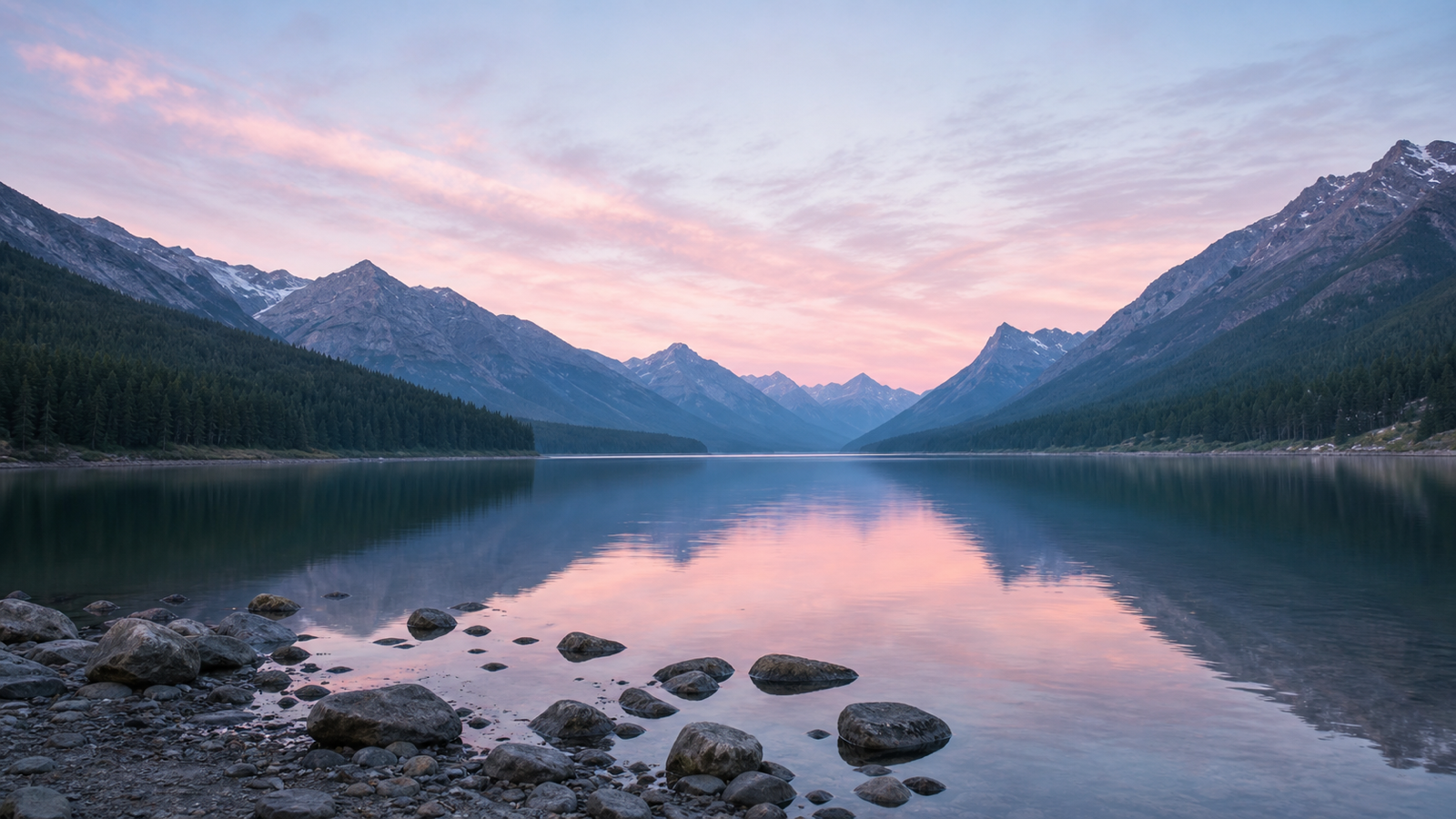 Risk edgeRisk edge
Choose how the source meets the fixed post frame
Fit
Keep the whole image
Fit preserves every edge. Quiet background space may appear when the source ratio differs from 16:9.
Fill
Cover the frame
Fill creates an edge-to-edge post by cropping the outer source while protecting the centered subject.
Check the timeline crop once, then download the finished PNG from the original source.
Preview before you post
- 1Upload the sourceChoose a photo, announcement, launch graphic, or social card.
- 2Choose Fit or FillKeep every edge or cover the complete 16:9 canvas.
- 3Preview and downloadCheck the X timeline frame, then export the 1200 x 675 PNG.
Frequently asked questions
X landscape post image resizer FAQ
This X post image resizer focuses on one landscape timeline scenario. The output remains 1200 x 675 while you compare Fit and Fill, check the crop, and export a local PNG.
Use the center of the 16:9 frame for faces, logos, and headlines. Keep flexible scenery or background texture near the outer edges so the composition remains resilient.
X is the primary platform name throughout this page. Twitter appears only as a secondary legacy search term for the same landscape post workflow.
What size should an X landscape post image be?
Use 1200 x 675 px for a 16:9 landscape X post. This dedicated page keeps that output fixed from preview through PNG download.
Should I use Fit or Fill for an X post?
Use Fit when the complete photo, logo, or headline must remain visible. Use Fill when edge-to-edge impact matters more and a controlled outer crop is acceptable.
Why should I preview the X timeline crop?
A timeline preview helps you keep faces, logos, and headlines away from risky outer edges before publishing the exported 16:9 image.
Can I use this as a Twitter post image resizer?
Yes. X is the current platform name, while Twitter is retained as a secondary term for people looking for the same landscape post workflow.
Does this X image resizer upload my photo?
No. The browser creates the preview and PNG locally. Your source image is not sent to a remote image-processing service.
More formats
Related image tools
Explore image tools already available for Instagram, Facebook, YouTube, and TikTok.
Ready to export
Prepare the landscape X post
Upload the original, review the fixed 16:9 timeline frame, and download a ready 1200 x 675 PNG locally.
Tool directory
More free online image tools
Jump between custom, Instagram, Facebook, YouTube, TikTok, X, LinkedIn, and Pinterest image resizers without re-uploading your source image.
Custom
Image Resizer Online
Resize any image to a custom width and height with fit, fill, stretch, and batch export.
All sizesInstagram Image Resizer
Resize posts, Stories, Reels, profile photos, and feed formats from one page.
FeedInstagram Post Resizer
Choose portrait, square, or landscape post formats from one post-focused workflow.
9:16Instagram Story Resizer
Fit a full photo into a 1080 x 1920 Story canvas without cropping.
9:16Instagram Reels Resizer
Prepare 9:16 Reels images, covers, and thumbnails with safe-zone previews.
1:1Instagram Profile Picture Resizer
Resize a photo for the square profile frame and circular Instagram avatar crop.
4:5Portrait Post Resizer
Convert an image to 4:5 or 1080 x 1350 for a tall Instagram feed post.
1:1Square Post Resizer
Resize a photo to 1:1 for the classic Instagram square format.
1.91:1Landscape Post Resizer
Fit wide photos into the 1.91:1 Instagram landscape post frame.
FacebookFacebook Image Resizer
Resize photos for Facebook profiles, feed posts, Stories, Reels, group covers, and event banners.
PostFacebook Post Resizer
Resize a photo to 1200 x 630 for Facebook feed posts and shared link images.
Group coverFacebook Group Cover Resizer
Resize group cover banners to 1640 x 856 with desktop and mobile safe-zone previews.
Event coverFacebook Event Cover Resizer
Resize event banners to 1920 x 1005 with mobile safe-zone and bottom overlay previews.
StoriesFacebook Stories Resizer
Fit photos into a 1080 x 1920 Facebook Stories canvas with no-crop backgrounds and previews.
ReelsFacebook Reels Resizer
Convert photos to 1080 x 1920 Facebook Reels images with no-crop fit and safe-zone previews.
ProfileFacebook Profile Picture Resizer
Resize a photo for the Facebook profile square and preview the circular avatar crop.
YouTubeYouTube Image Resizer
Resize images for YouTube banners, thumbnails, profile pictures, Shorts, and community posts.
BannerYouTube Banner Resizer
Resize channel art to 2560 x 1440 with safe-area and device crop previews.
ThumbnailYouTube Thumbnail Resizer
Convert images to a focused 1280 x 720, 16:9 YouTube thumbnail with title-safe preview.
ShortsYouTube Shorts Cover Resizer
Resize vertical cover images to 1080 x 1920 for YouTube Shorts and mobile-first title cards.
PostYouTube Post Image Resizer
Create 1080 x 1080 square images for YouTube community posts and channel updates.
ProfileYouTube Profile Picture Resizer
Resize a square 1:1 profile picture and preview the circular YouTube avatar crop.
TikTokTikTok Image Resizer
Resize photos for TikTok Photo Mode, square posts, profile pictures, and in-feed ads.
ProfileTikTok Profile Picture Resizer
Create a 200 x 200 square PFP and preview TikTok's circular avatar crop.
In-feed adTikTok In-Feed Ad Image Resizer
Resize ad images to 1080 x 1920 and check practical TikTok safe zones.
5 formatsResize Image for X
Choose the exact X post, header, profile, vertical, or square format before resizing.
1080 x 1350Resize Image for X Vertical Post
Resize one portrait X post to a fixed 1080 x 1350 canvas.
1080 x 1080Resize Image for X Square Post
Resize one square X post to a fixed 1080 x 1080 canvas.
1500 x 500Resize Image for X Header
Create a 1500 x 500 profile header and preview the avatar overlap before export.
400 x 400Resize Image for X Profile Picture
Resize a 400 x 400 square PFP and preview the circular X avatar crop.
Fit / 1200 x 675Resize Image for X Post Without Cropping
Fit a complete photo into one fixed 1200 x 675 X post canvas.
5 formatsLinkedIn Image Resizer
Resize profile photos, personal banners, company logos, company covers, and feed images with real LinkedIn previews.
1584 x 396LinkedIn Banner Resizer
Resize a personal background photo to 1584 x 396 and preview the profile-avatar overlap.
400 x 400LinkedIn Profile Picture Resizer
Resize a square profile photo to 400 x 400 and inspect LinkedIn’s circular avatar display.
4 Pin sizesPinterest Image Resizer
Resize square, standard, vertical, and long Pins with no-crop backgrounds and realistic Pinterest previews.
1000 x 1500Pinterest Standard Pin Resizer
Resize an image to 1000 x 1500 and preview the recommended 2:3 Pinterest composition.
1000 x 1000Pinterest Square Pin Resizer
Create a 1000 x 1000 square Pin with a product-centering guide and real Pin preview.
1080 x 1920Pinterest Vertical Pin Resizer
Fit photos into a 1080 x 1920 vertical Pin with mobile-safe preview markers.
1000 x 2100Pinterest Long Pin Resizer
Prepare a 1000 x 2100 long Pin and plan the content rhythm before export.